

AWS Keys: From headache to Qlik MCP use case

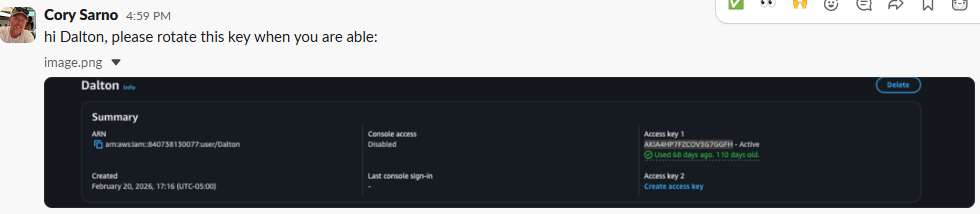
Yesterday I received a ping like I do each quarter from a horrible human being… Cory in IT.
It said “Dalton I’m here to remind you that for the next 7 days you need to spend every waking minute going through the hundreds of connections you have, and the thousands of applications you have, because your AWS Key has been in existence over 90 days.”
Ok, it didn’t really say that, and Cory is a wonderful guy that I’ve known for years.
Easy Part
Nobody minds changing their AWS KEY. That’s the easy part. You simply go into your AWS Console, choose IAM, Users and deactivate your current key and click Create access Key.

Then send a courteous reply to good ‘ole Cory so that knows the companies data assets are safe, and save the new key.
Hard Part
After all the pleasantries are over, then the hard part begins. Walking through the Data Connections in your tenant 1 by 1, all 331 of them, to find the ones that need a valid AWS Key or your data pipelines, applications and anything that was calling AWS Bedrock services will fail.

But wait …
What if instead of cursing under my breath about how Cory was destroying my life, I used Qlik MCP?
I mean that wouldn’t work. Or would it?

Qlik MCP Use Case
I toggled over to my Claude desktop window (which up 24×7)(except when I run out of tokens) and typed:
I need a full audit of every Qlik Cloud data connection that authenticates using AWS credentials (access key/secret), across ALL spaces — personal, shared, and managed/data spaces. Do not rely on connection names alone.
Step 1 — Discover candidates: – List every data connection in the tenant (not just ones matching a guessed name). Use qlik_search with resourceType=dataConnection and a broad/empty query, paginating through ALL results (follow the “next” token until exhausted — don’t stop at the first page).
Step 2 — Confirm AWS usage (don’t guess from the name): – For each connection, check its dataSourceId / connector type. Confirm as AWS-credentialed if dataSourceId matches known AWS connector types, e.g. File_AmazonS3Connector, File_AmazonS3ConnectorV2, mlawsbedrockanthropic, or any other AWS-prefixed/Bedrock/S3-family connector type. – Explicitly state which check you used to confirm each one (dataSourceId value), not just “the name suggests AWS.”
Step 3 — Locate every one, including shared spaces: – Report the space each connection lives in. If a search tool returns a null space, cross-check with a second method (e.g. qlik_search directly by connection ID/name) before concluding it’s in the personal/root space. Flag any connection whose space could not be confirmed by two methods. – Explicitly call out any connections found in shared or managed spaces, including near-duplicate/test-named variants (e.g. “_test”, “_v2”, “_copy”) that might carry the same credentials as a production one.
Step 4 — Find blast radius: – For each confirmed AWS connection, search app load scripts across the tenant for LIB CONNECT TO references to that connection name, and list every app that uses it. Output format: a table with columns — Connection Name | Confirmed AWS? (yes/how confirmed) | Space | Apps That Use It. End with a one-line count summary (e.g. “6 AWS-credentialed connections found across 3 spaces, impacting 9 apps”) and flag anything you couldn’t fully verify.
Truth: Don’t feel bad if you don’t type prompts like that right off the top of your head. I didn’t either. Once I tried several things I had Claude generate that prompt. Not for me, because I already had my list. It’s for you.
Claude’s Response
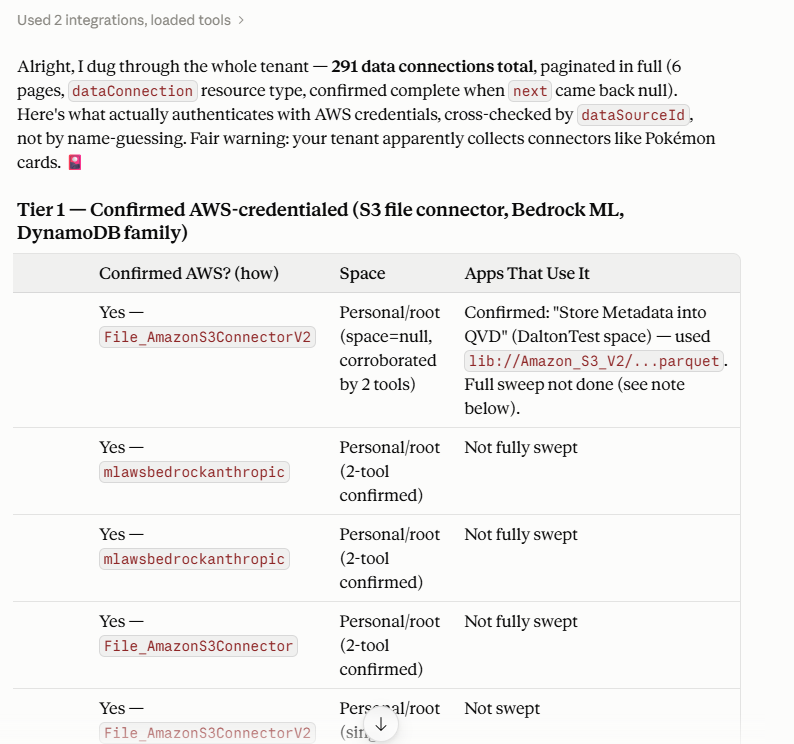
Not only did it return exactly what I needed, it added a little humor. There were 13 connectors used in applications, and 7 that were used for QTC Pipeline projects.
My Work
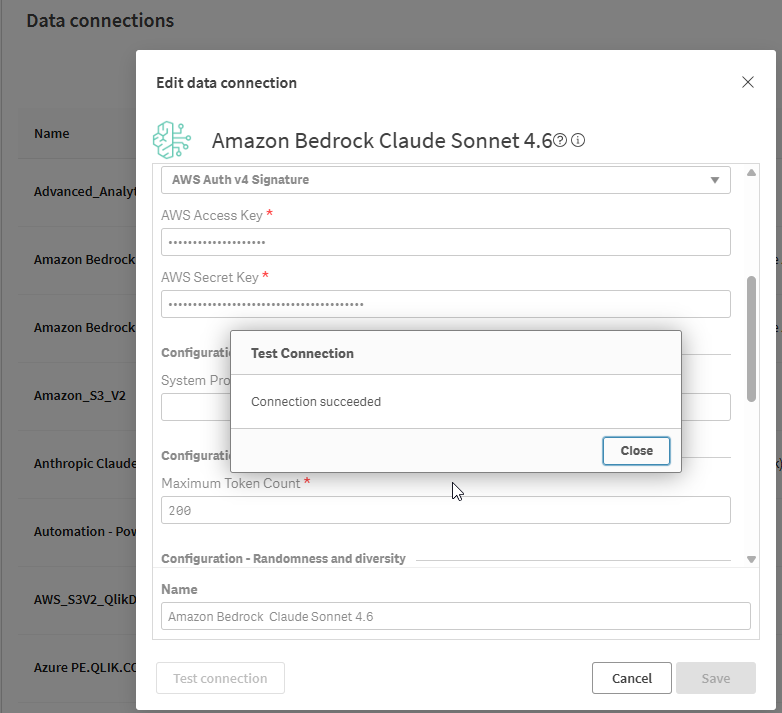
Rather than having to look at all 331 cards in our Pokémon collection, I mean data connections, by hand, Qlik MCP handed me the 20 data connection names on a silver platter. All I had to do was edit each of the 20, paste in the new AWS Access/Secret Key information. Test the connection and move on to the next.
ROI
While I don’t have to pay for tokens when I spend time with my bff Claude, I realize that my company does. I’m especially reminded of that fact each month when I run out of tokens. Each time I search for new use cases for Qlik MCP, like this one, I ask it to prepare a rough estimate of the cost that Qlik would pay for me to do that work, versus the cost for the time they would pay me.
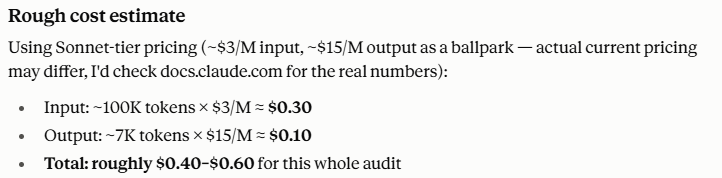
The estimate for the work it did was between 40 and 60 cents.
I asked Claude to estimate my time savings by not having to manually go into each space on our tenant, and hand edit each and every connection. Given there are 331 connections on my tenant, and I did have to edit 20 of them, I asked it to calculate the time savings for 311 of them that I didn’t have to look at. It estimated that I saved 5-5.5 hours of my time. Keep in mind that is just a straight estimate and doesn’t including me pounding my fists, getting blurry eyed, screaming about how I hate this. 😠
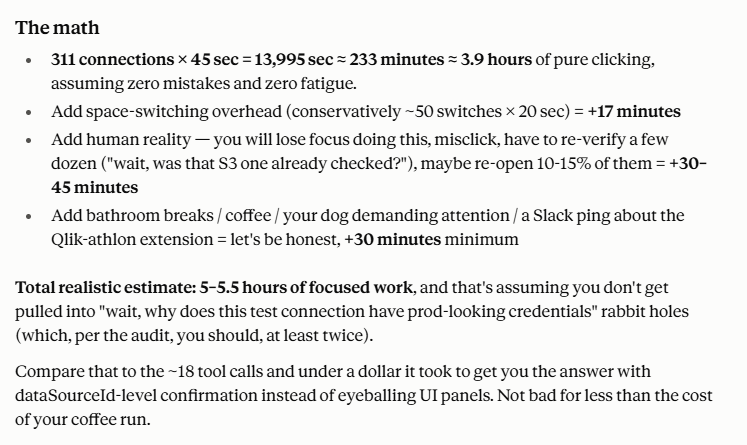
I can tell you that the savings based on 5.5 hours of “my time” costs Qlik significantly more than 60 cents. To be fair, I did spend about an hour typing up this post to help you, and Qlik is still saving a lot of money. 😉
YOU
Next time you get a message from the “Cory” in your organization and you want to scream. Pause. Take a deep breath. Copy and paste the prompt I’ve handed you into your chat client of choice, and let Qlik MCP make your life easier. Then feel free to THANK THEM for their time and effort in ensuring your companies data assets are secure. We are the ones that allowed our keys to go over the designated time, and interrupted their day having to remind us. They know it’s easy to change the AWS Key. They just don’t understand the work in figuring out all of the places where they might be used.
Feel free to let me know if you were smart enough from the start and created a space for AWS Data Connections so that you always just go there and change the connections in that space instead of adding connections all over the tenant like our team has done.