
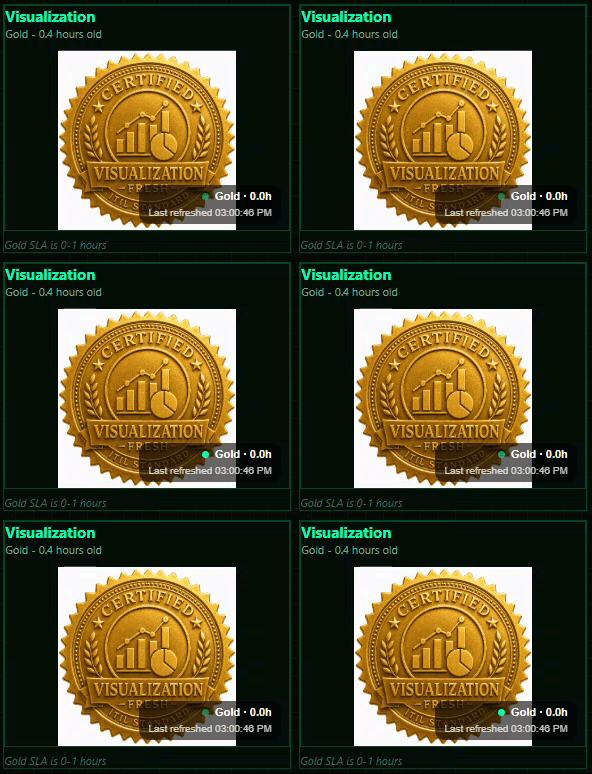
Data Freshness

The only thing worse than your data pipeline not meeting your SLAs, is having your business users make decisions that are costly for the company because the data in their applications is stale.
For the ITIL Service Intelligence accelerator that I built when I built the data pipeline I took a step that is often overlooked. I had each step of the process not only process the data, but also generate freshness metadata for each thing.
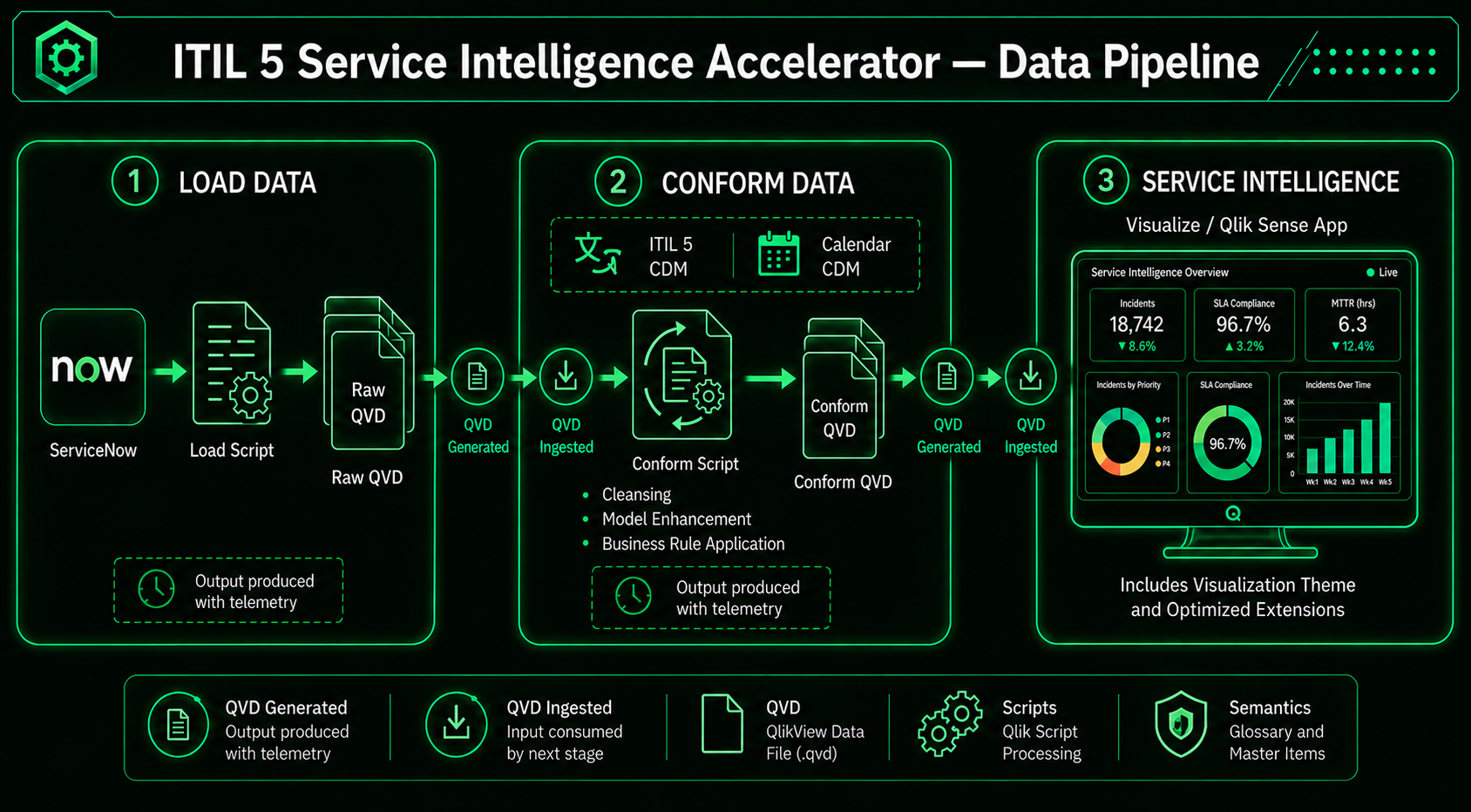
Then I built an application that visualized it all. Oh I could have simply put text like “last loaded on 8/3/2026” and been done in a few minutes. But given that I did all of the work to create the metadata, I wanted to make it really stand out. After all you probably read the “last loaded on 8/3/2026” and didn’t even realize that is a full month before today 9/30/2026 when the post is being written. That’s how text is, we get busy and can overlook it.
Freshness Seals
So, I spent some time with one of my BFF graphic designers. You may know him his name is Chat GPT.
We iterated several times and I finally settled on images like this:

The great thing about working with Chat GPT is that once you have 1 image, you can easily say “Hey old buddy, old pal, can you change that Gold seal to Silver. To Bronze. To Black. No “Come on you should have asked for the color you wanted the first time.” “No Ok but I will redesign the image while I’m at it.” Just “sure my friend, here you go.”

Coding
The coding wasn’t hard at all I simply added some SLA information in my load script, loaded the data and calculated a tier that was stored in a variable. Then I slapped some image objects on the screen and set the image URL’s to this:
=’https://partner-engineering-saas.us.qlikcloud.com/api/v1/apps/ce2af7e5-5825-492d-ba40-b1095b12583d/media/files/Source_$(vRawIncidentTier)_Freshness.png’
It worked great. I got started thinking about how I would write this post, but then got sidetracked. You would think that people would start with “Hey Qlik Dork are you deep in thought or can I sidetrack you with really important problems?” But they don’t. Cause the issues are really important. Anyway, I digress. Finally I came back to my application a few days later to take screen shots and I was mortified that all of the seals were still showing as Gold. Can you guess why?
Turns out that I missed the most important part of freshness … it evolves over time. I hadn’t loaded the applications in days, but when you calculate your variables in your load script they continue to have the same value as when they were loaded. Uggghhhhh. Here I was trying to preach about data freshness and giving you a suggestion that really wasn’t displaying freshness. It was displaying “Fresh as of 4 days ago when I last loaded this application.”
Those two aren’t the same thing.
Extension
I realized immediately that I needed something better. I needed a way that actually checked freshness over and over again along with time. I needed a CUSTOM EXTENSION.
One that would allow me (and you) to create expressions that define what we want, and recalculate them every minute. That way instead of showing you Gold when it’s 4 days old, it would show the black seal appropriately.
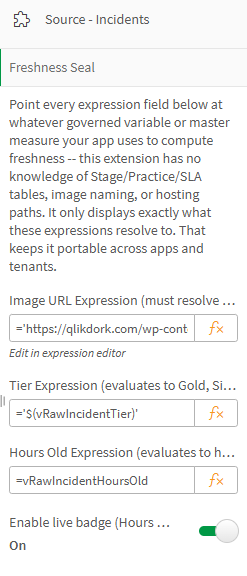
I called my extension ITIL Freshness Seal and it’s available to you just by clicking here.
Each one blinks so that you are aware it’s “breathing” and “thinking.” The “Last refreshed” time is updated every single minute so you know it really is live.
In combination they can be pretty powerful. For example imagine if I had just listed a table of 7 different timestamps for you. Would a stale one really jump out at you? Probably not.
But how about now? How fast did your eyes immediately jump to the Black seal?
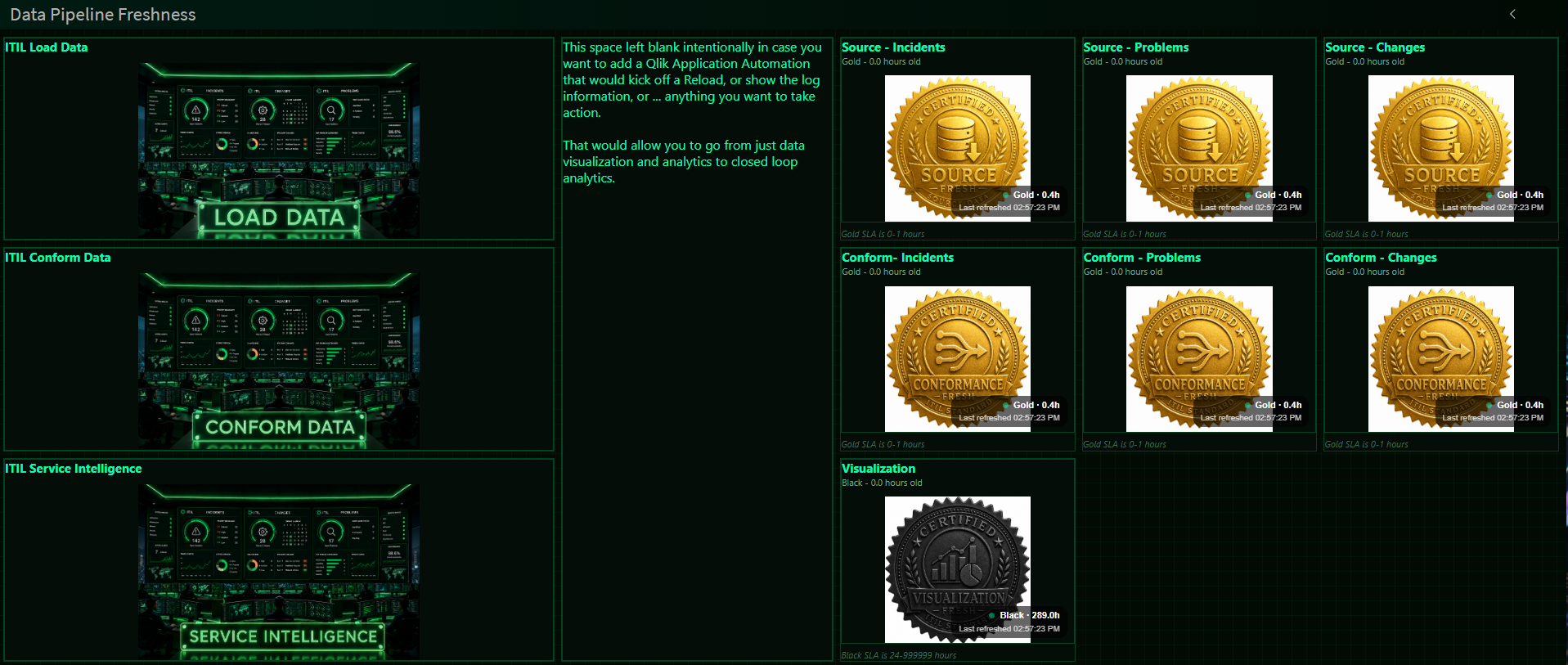
I’m guessing it was IMMEDIATE. That’s always been the beauty of data visualization. Right?
The source data is as fresh as it gets.
The conformed data is as fresh as it gets.
But the end users visualization application? Yikes it’s 289 hours old. Some yahoo on my team must have disabled the scheduler. Sounds funnier than if I tell you “I purposely didn’t put the scheduler in place and then waited that long just to have a great example to show you.” (PS – Yahoos don’t make it onto the team I work on.)
Coding by you
There is some coding that you would need to put in place. I could spend another 2 days explaining every detail of it. But I sat on my hands for 289 hours already, I simply can’t put off all of those other important interruptions any longer. Rather than trying to explain everything, it’s easier for me to just hand you the application above. Simply click this link and then download the ITIL Pipeline Pulse.QVF from the list of applications.
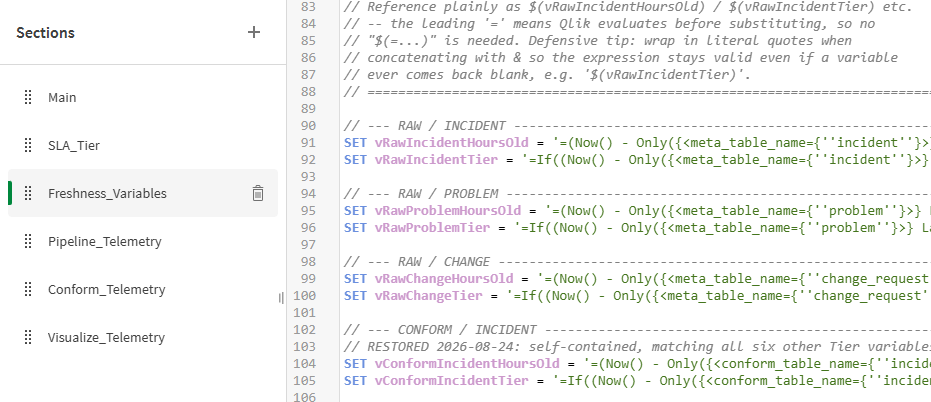
Upload that application and even if you haven’t already installed the ITIL Service Intelligence accelerator yet you will see how to create the SLA Tiers, and how to then create the freshness variables that you can use for the expressions in the application.
Trick
When I originally built the application I simply added all of the freshness seal images into the application. Easy breasy.
Then Git Hut smacked me in the face and said “Sorry Qlik Dork you can’t upload that application with all of the images in it because it’s too big.”
So, I gave up.
NEVER!
I said “Ok Git Hub I hear you. I will simply upload all of those freshness seals to my Qlik Dork site and change the image expressions to point to it as a URL instead.” That greatly lowered the size of my QVF and Git Hub was happy, which is why you are able to get to it. Feel free to keep pointing to my site, but odds are good, that isn’t what you want.
Hence why I pasted the code initially of what you will want to. You simply change the tenant name and the application you are actually using the freshness seals in.
